
Brand guidelines in a few clicks
Construction drafts, clear space, color specs, type specimens and layout grids, generated from your own artwork, right inside Figma.
Everything it makes stays fully editable.
Lines, circles and ovals come from your vectors.
Your designs never leave the Figma file.
Pages stack neatly on “Brand Guidelines”.
Five tools for one brand system
Select your logo, pick what you need and press one button. Each tab builds a page you’d otherwise draw from scratch.
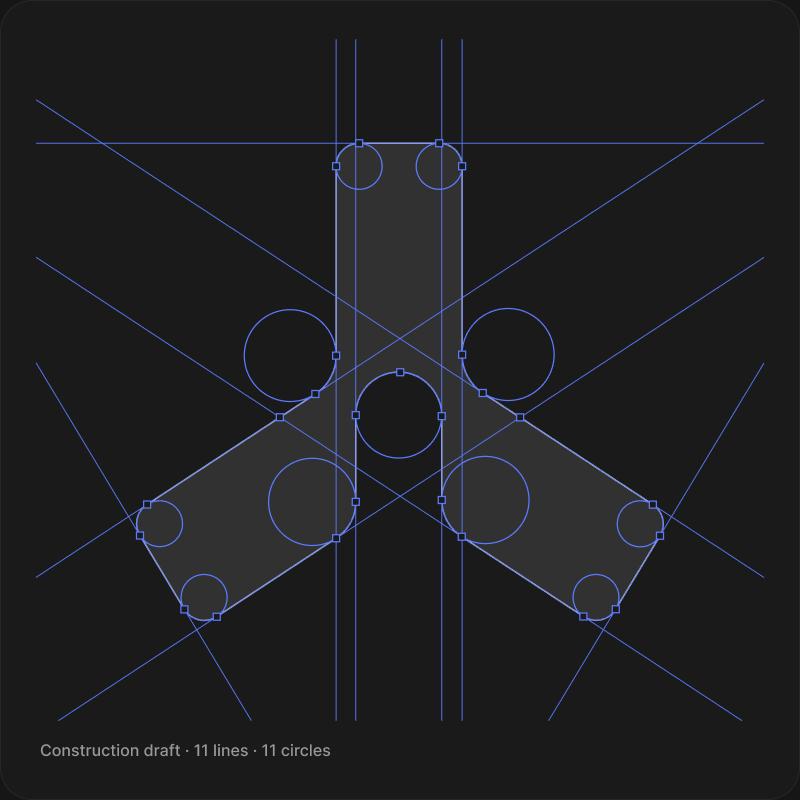
Logo construction,
drawn for you
A construction drawing on top of your logo that follows its real geometry, not a generic grid.
- Construction lines along every edge, extended at their exact angles
- The circles and ovals behind every curve, with their radii
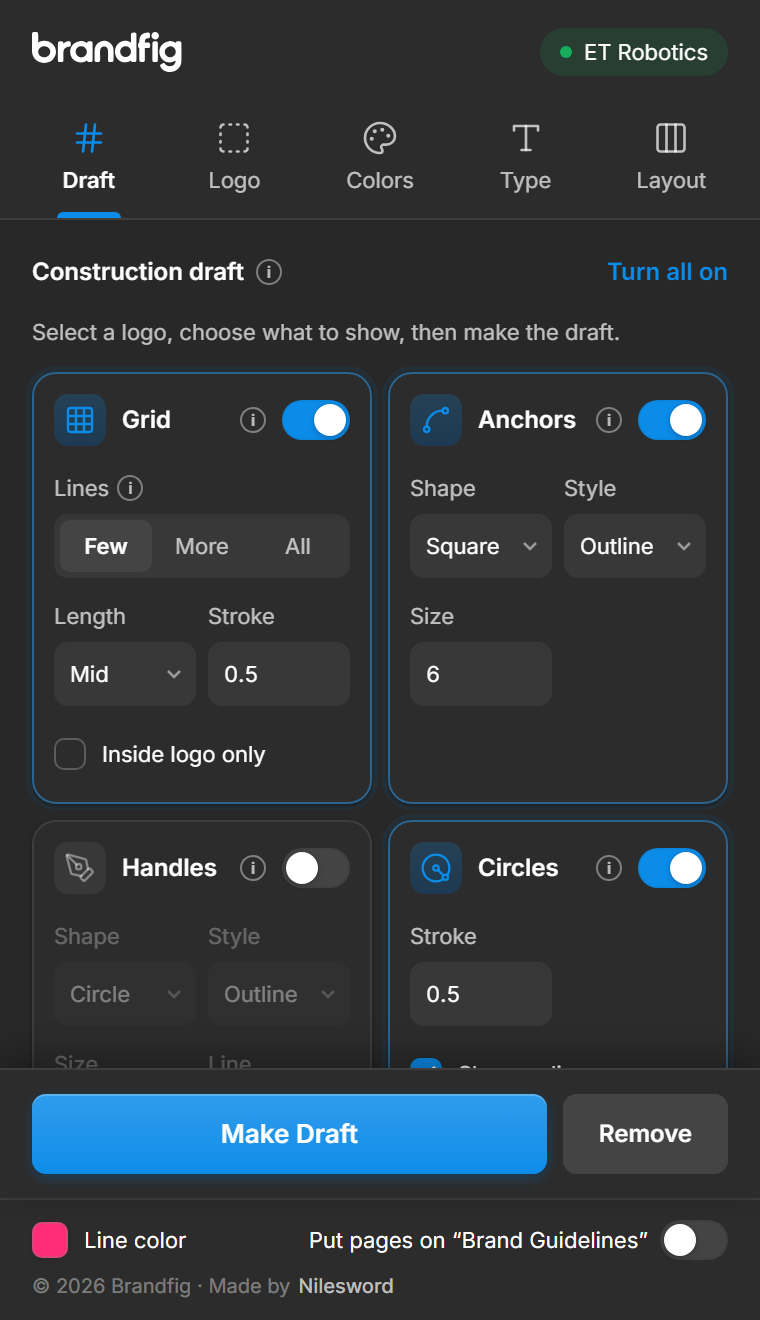
- Anchor points and Bézier handles in one click
- Measured stroke widths, labelled in px PRO
Clear space and minimum size
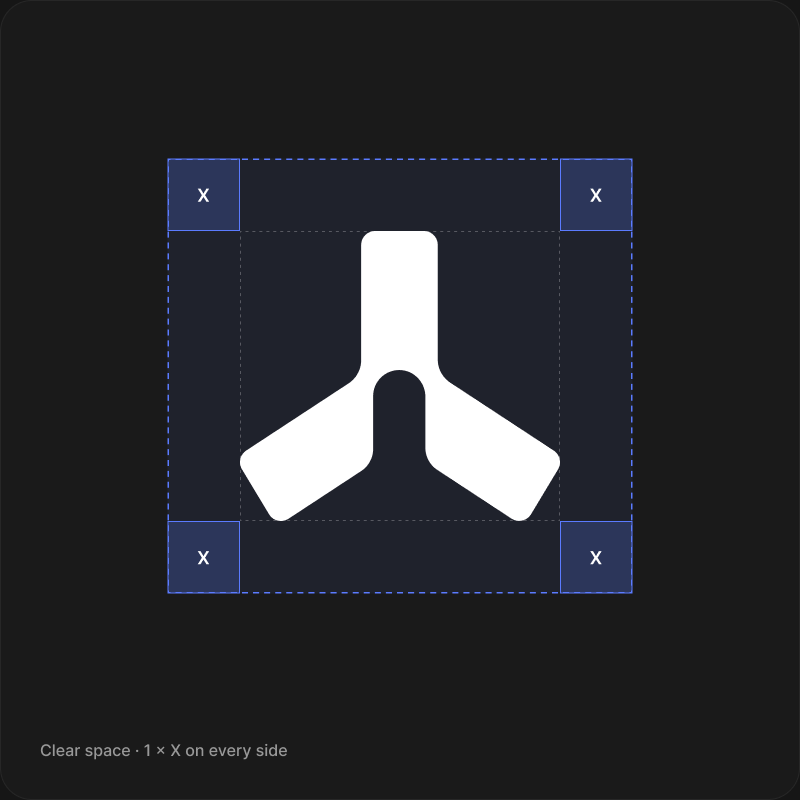
Two pages every guideline needs, measured from your artwork instead of eyeballed.
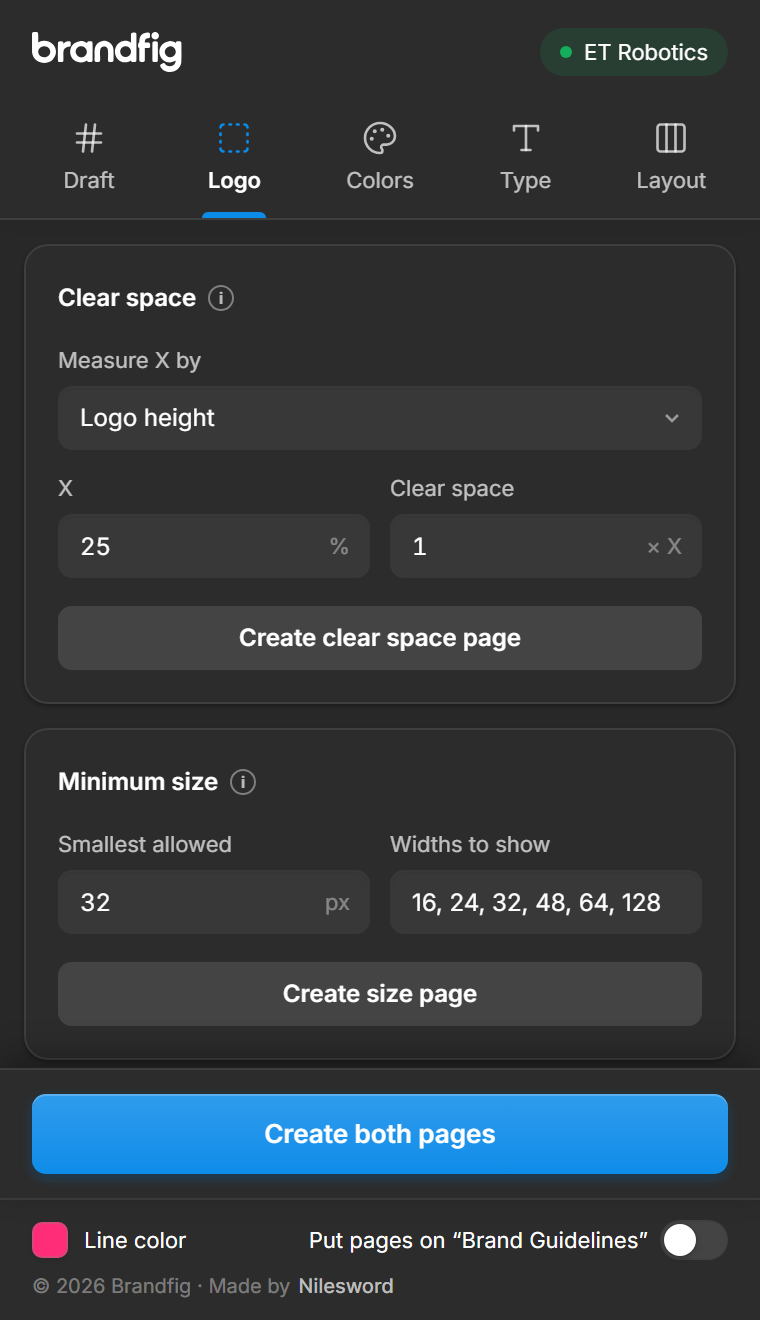
- Clear space in x units, based on the logo’s height or its logomark
- Minimum size tests that flag where the logo stops reading
- Pages stack neatly on a Brand Guidelines page
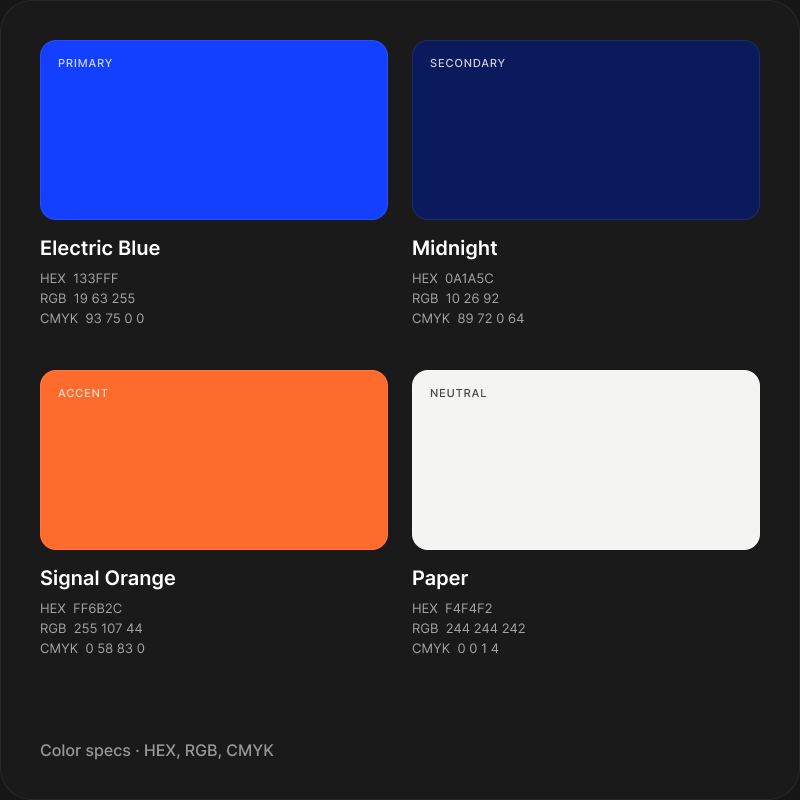
Every color spec on one page
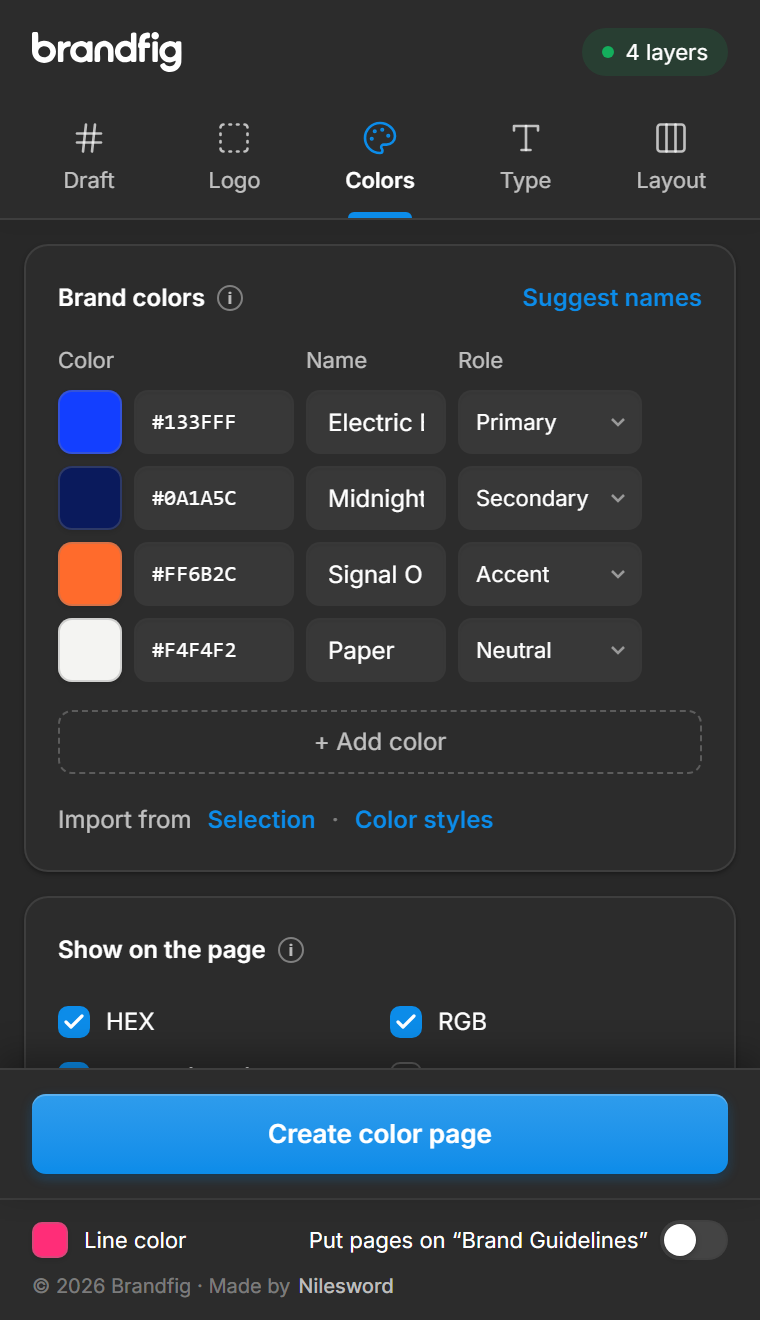
List your colors once and get a complete palette sheet, named and labelled.
- HEX, RGB, CMYK and HSL values, with suggested color names
- Contrast ratios on white and black, rated AA or AAA, plus tints and shades
- Save as color styles or variables
Type specimens that set themselves
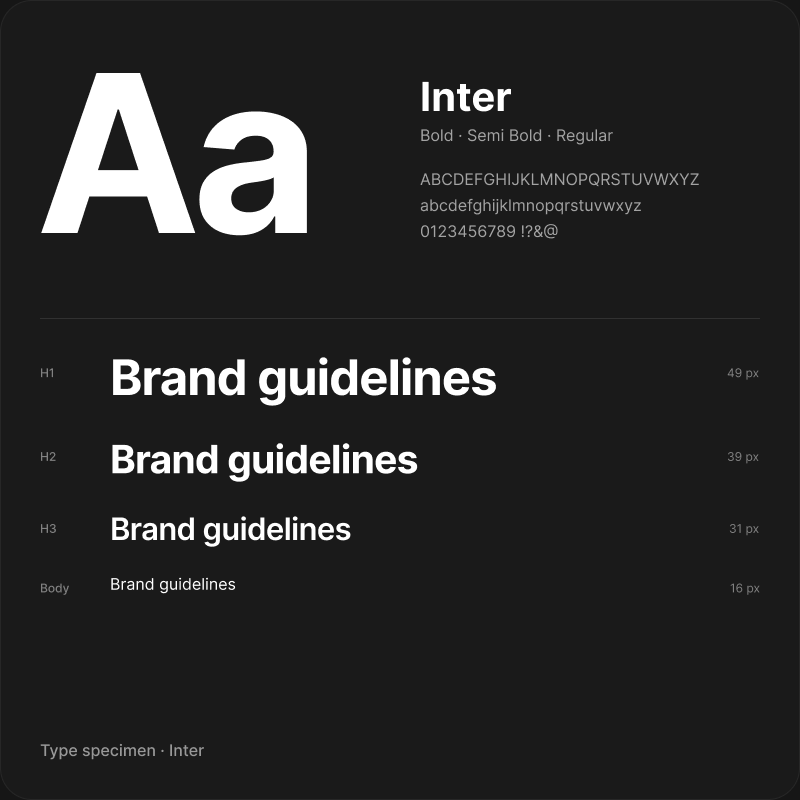
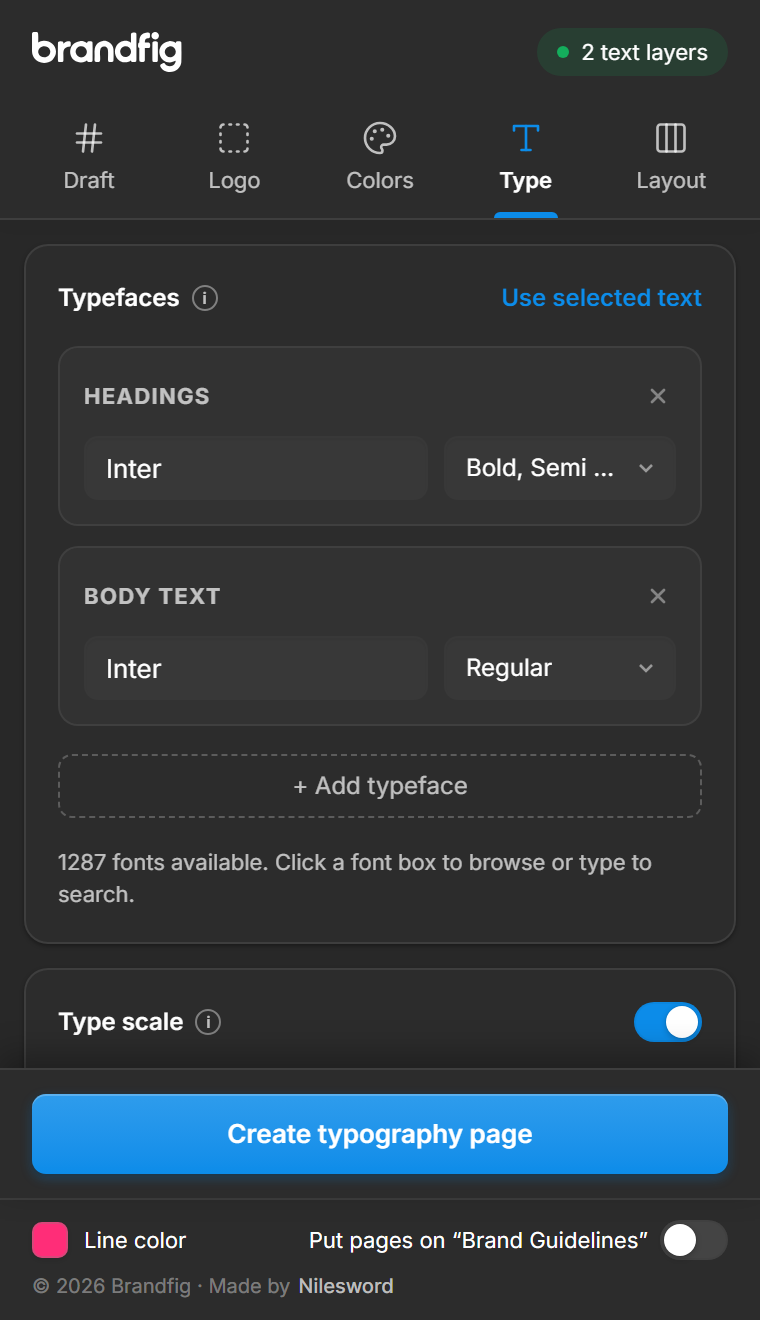
Your brand typefaces set as proper specimens, with a scale you don’t have to calculate.
- Every chosen weight with its character set
- A modular type scale built from your body size
- Save the sizes as text styles
Grids and formats, ready to design
Start every brand application on the right grid, at the right size.
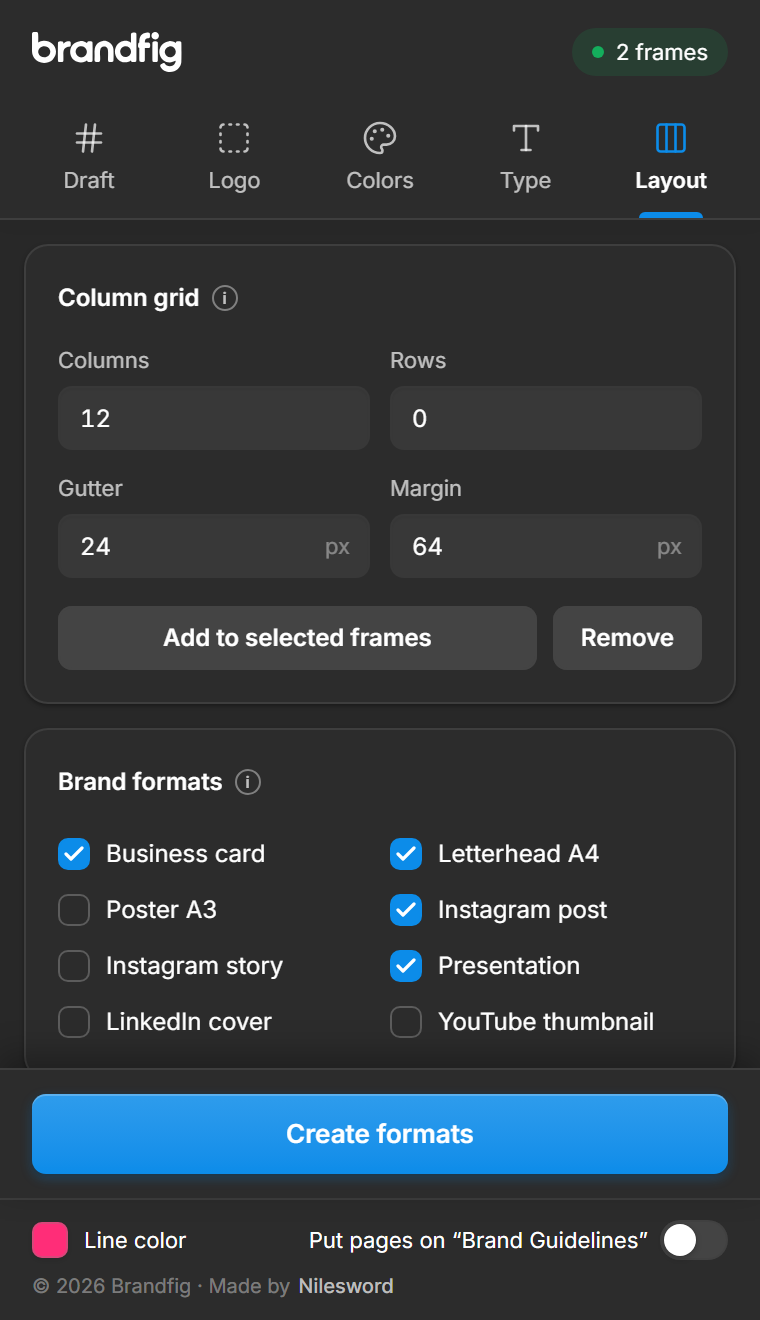
- Column and row grids for any frame
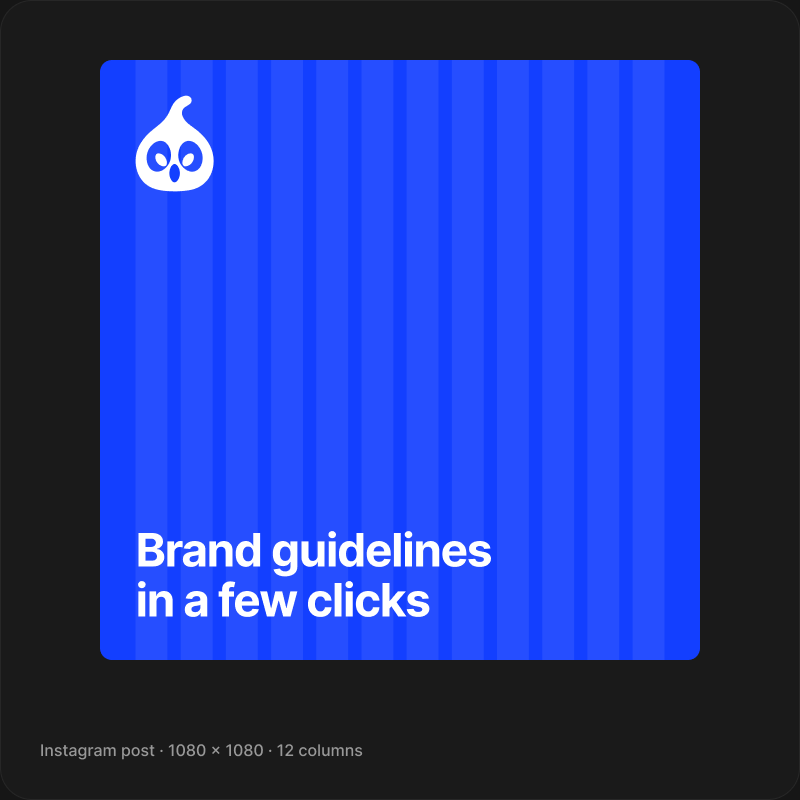
- Business cards, letterheads, posts, stories, slides and more
- Margins and gutters scale to each format
Three steps to a finished guideline page
01Select your logo
Pick a logo, lettering or a few frames in any Figma file.
02Choose what to show
Switch construction lines, anchors, handles and circles on or off, or pick the pages you need.
03Make it, then edit
Brandfig draws it as plain Figma layers, ready to tweak and drop into your guidelines.
Start free, go Pro when you need it
Brandfig is free to install from Figma Community. Pro unlocks the full toolkit. Cancel anytime.
Free
Forever
- Logo construction drafts
- Lines, anchors, handles and circles
- Switch each part on or off
- Clean default styling
Pro
FULL TOOLKITBilled monthly · cancel anytime
- Everything in Free
- Customize the construction: line detail, line styles, anchor and handle styles, stroke widths
- Clear space and minimum size pages
- Color pages with HEX, RGB, CMYK, HSL and contrast ratings
- Type specimens and type scales
- Layout grids and brand formats
- Save colors and type as styles and variables
- All future updates
How do I activate Pro?
After you subscribe, your license key arrives by email. Open Brandfig in Figma, click Upgrade to Pro at the bottom, paste the key under “Already bought?” and press Activate. That's it.
How does the subscription work?
Pro is billed monthly ($7) or yearly ($56, saving 33%) and renews automatically. Cancel anytime from the link in your receipt email; Pro keeps working until the end of the period you've paid for.
How many computers can I use it on?
One license can be activated on up to 2 computers for the same person. Teams need one license per designer.
Who handles the payment?
Payments are processed by Dodo Payments, our merchant of record. They handle checkout, taxes and receipts; we never see your card details.
Can I get a refund?
No. Payments are final, so please try the free version first to make sure Brandfig fits your workflow. See the refund policy for the few exceptions.
Does Brandfig upload my designs?
No. Everything runs inside Figma on your computer. The only thing sent anywhere is your license key, to check it's valid. See the privacy policy.
Start free. Upgrade when it clicks.
Install Brandfig from Figma Community and draw your first logo construction in under a minute. Pro unlocks the full toolkit whenever you’re ready.