How to export logo files from Figma, including AI and EPS
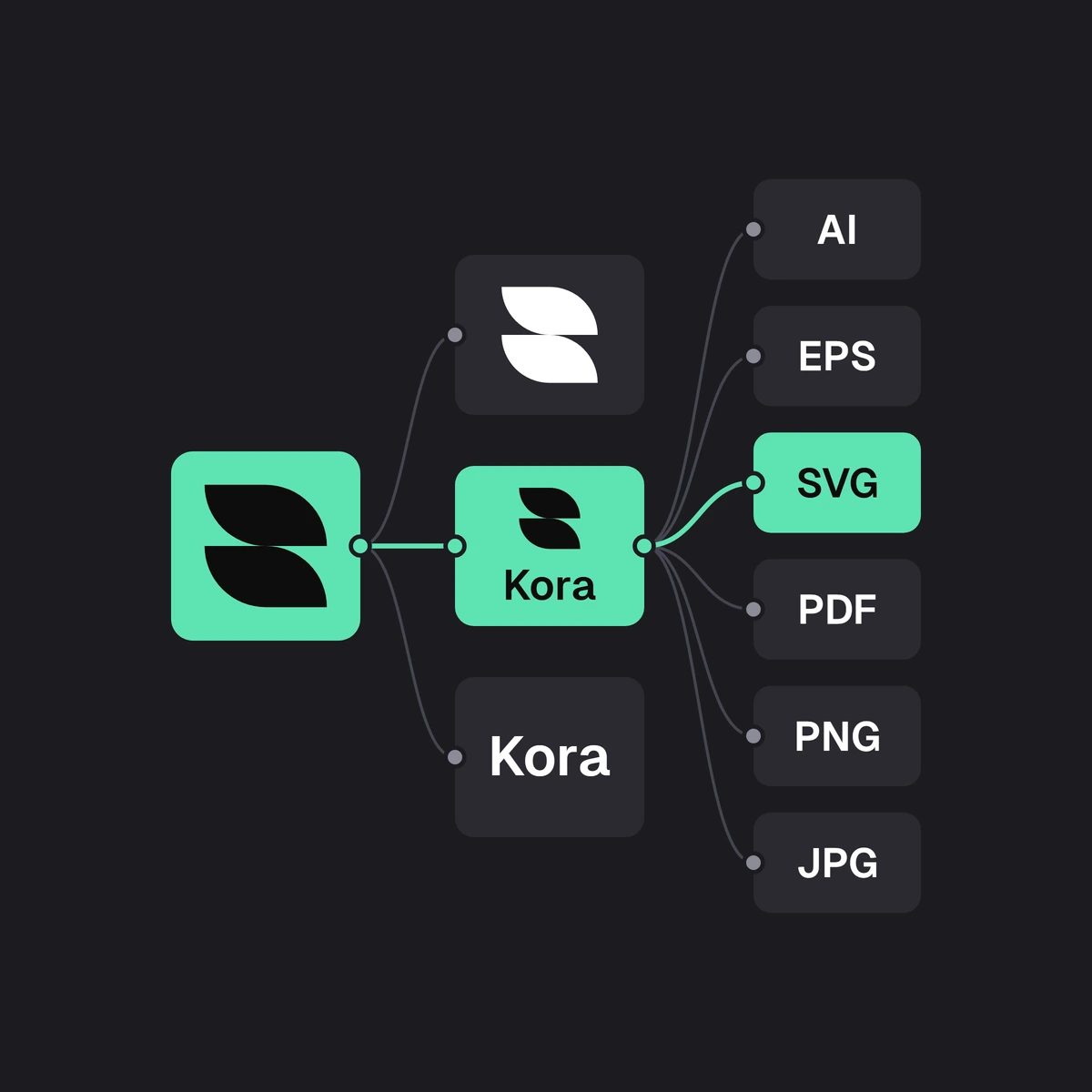
Figma exports PNG, JPG, SVG and PDF. For AI and EPS, take the vector into Illustrator, or use a plugin that makes both inside Figma.
Get the logo ready
A few minutes here saves a second export later.
- Keep it vector. If any part of the logo is an image, it stays pixels in every file.
- Outline the type and strokes. Work on a copy, so the editable logo stays in your file. Outlined type looks the same on every computer.
- Clean the shape. Remove hidden layers and stray points, and leave no background behind the logo.
- Name each version. Mark, Logotype, Full logo. Figma uses the layer name as the file name.
Export PNG, JPG, SVG and PDF in Figma
- Select the logo version, not the page it sits on.
- In the right panel, find Export and press the plus.
- Choose the format. Add a row for each one you need.
- For PNG and JPG, type a width such as 1024w. SVG and PDF export at 1x, because vectors scale to any size.
- For SVG, open the export settings and keep Outline text on.
- Press Export.
PNG and SVG keep a transparent background. JPG doesn’t, so place the logo on the background colour you want first.
Make an AI file
Figma has no AI export. In Illustrator:
- Export the logo from Figma as SVG or PDF.
- Open that file in Illustrator and release any clipping masks you don’t need.
- Check the colours and the shape against the original.
- Choose File, Save As, Adobe Illustrator (AI), with Create PDF Compatible File on.
Make an EPS file
Printers, sign makers and embroidery shops often ask for EPS. With the logo open in Illustrator, choose File, Save As, Illustrator EPS. EPS doesn’t keep see-through effects, so use solid colours and shapes.
Export AI and EPS inside Figma
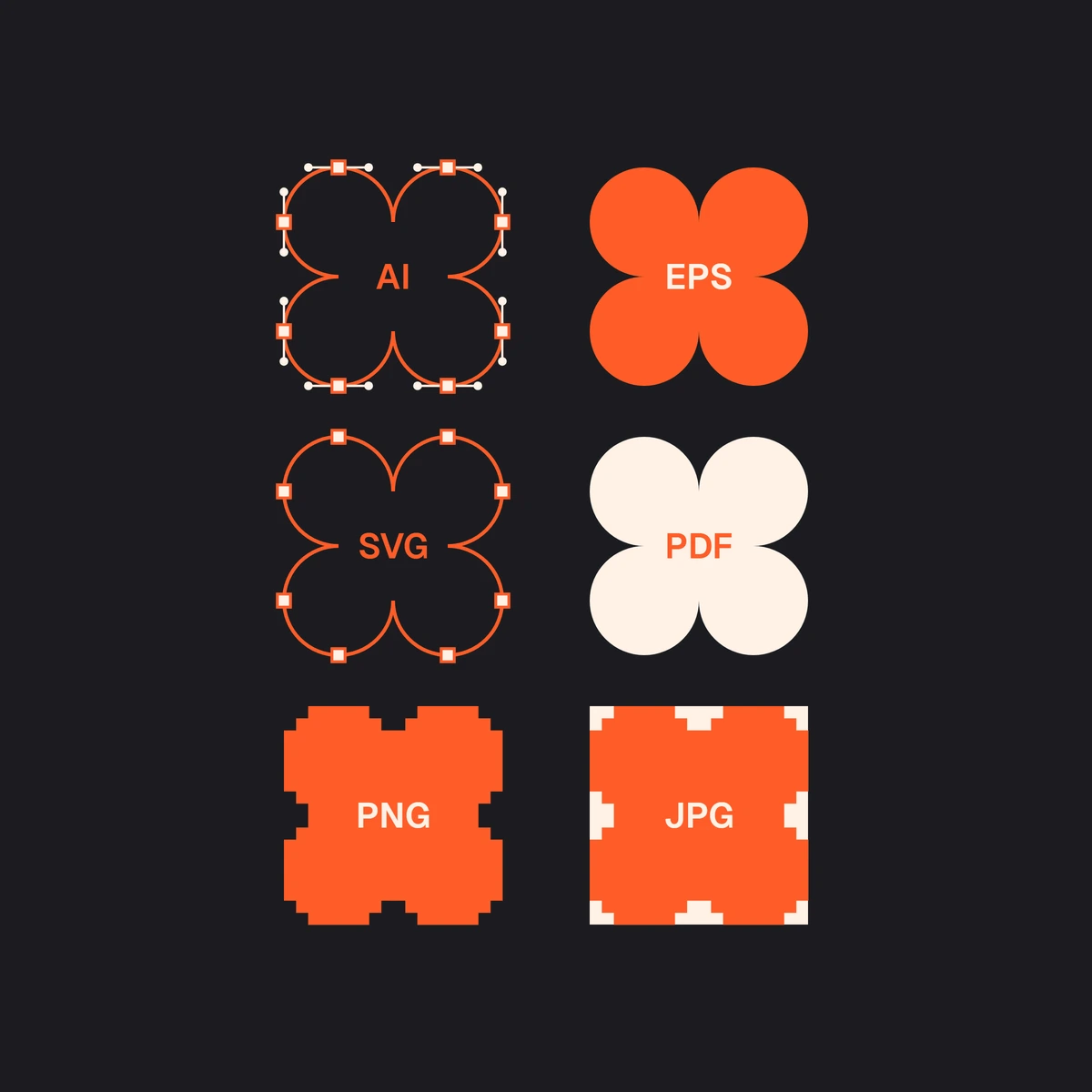
The Export tool in Brandfig makes all six formats from the logo versions in your file. Pick the colour versions, the formats and the PNG sizes, and it saves one zip, sorted into folders.
The AI files are PDF-compatible and open as vectors in Illustrator. The EPS files are made from the vector logo. Pictures and angular gradients can’t go in an EPS.
Which logo file for which job
| Job | Best file | Also works |
|---|---|---|
| Website and apps | SVG | PNG |
| Social posts and profile pictures | PNG, 1024 px or wider | JPG |
| Slides and documents | PNG, 1024 px or wider | JPG |
| Email signature | PNG | JPG |
| Print: cards, flyers, posters | AI, EPS | |
| Signs, merch, embroidery, vinyl | EPS | AI, PDF |
| Another designer | AI | SVG, PDF |
Send them to the client
Every version, in every colour it needs, as vector and pixel files with clear names. The client logo package guide has the full list and a folder structure to copy.
Colour on screen is RGB and print is CMYK, so agree the CMYK values with the printer and ask for a proof before a big run.
Questions, answered.
Can Figma export AI files?
No. Figma exports PNG, JPG, SVG and PDF. Open the SVG or PDF in Illustrator and save it as AI, or use a plugin such as Brandfig that saves AI files from Figma.
Can Figma export EPS files?
No. Save the EPS from Illustrator, or make it in Figma with a plugin such as Brandfig.
Is SVG or PNG better for a logo?
SVG for websites and apps, because it stays sharp at any size. PNG wherever SVG isn’t accepted, such as documents and social media.
What size should a PNG logo be?
At least as wide as it will show, and twice that for sharp phone and laptop screens. 512, 1024 and 2048 px cover most uses.
Why does the font change when a client opens the logo?
The type is still live text and the client doesn’t have the font. Outline the type before you export.