What to include in a client’s logo package
Every logo version, in every colour it needs, as vector and pixel files. Sort them into clear folders and add one page that says which file goes where.
Two months after handover, the sign maker wants an EPS, the web team wants an SVG, and the client has only kept a JPG from an email. A good package has the answer already in it.
What a logo package is
It’s the folder of finished logo files a client keeps and uses: every version of the logo, in every colour and format it needs. It isn’t the working file, and it isn’t a price tier.
Logo versions
Send the versions the brand will use, and nothing it won’t. Rejected concepts and working files stay with you.
| Version | Where it’s used |
|---|---|
| Full logo, wide | Website headers, signs, letterheads |
| Full logo, stacked | Square and tall spaces, packaging |
| Mark | Profile pictures, app icons, favicons |
| Logotype | Small heights, and next to a mark that’s already there |
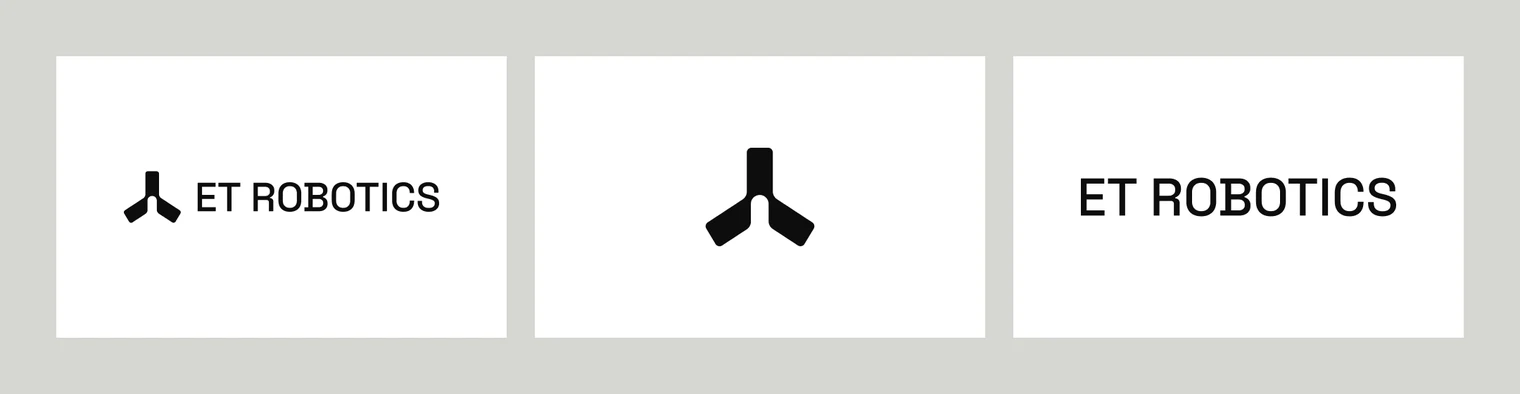
A logotype with no mark may only need one version, plus a short form for the profile picture.
Colour versions
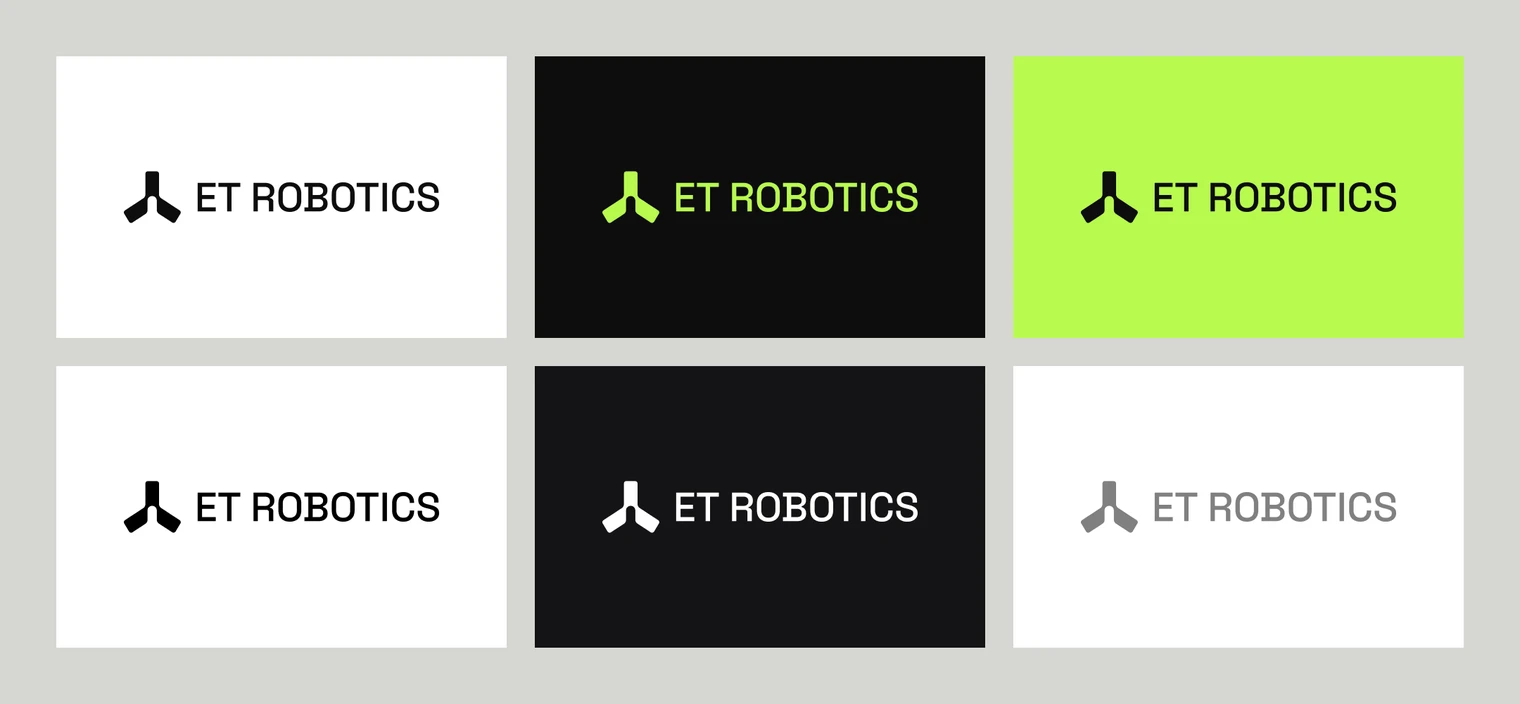
- Colour. The main logo, for white and light backgrounds.
- Reversed. The logo on the brand’s own colour.
- Black. Stamps, engraving, receipts and one-ink print.
- White. Dark backgrounds and dark photos. Warn the client that it looks empty on a white screen.
- Grey. Optional. Partner and sponsor lists often ask for it.
File formats
| Format | What it’s for |
|---|---|
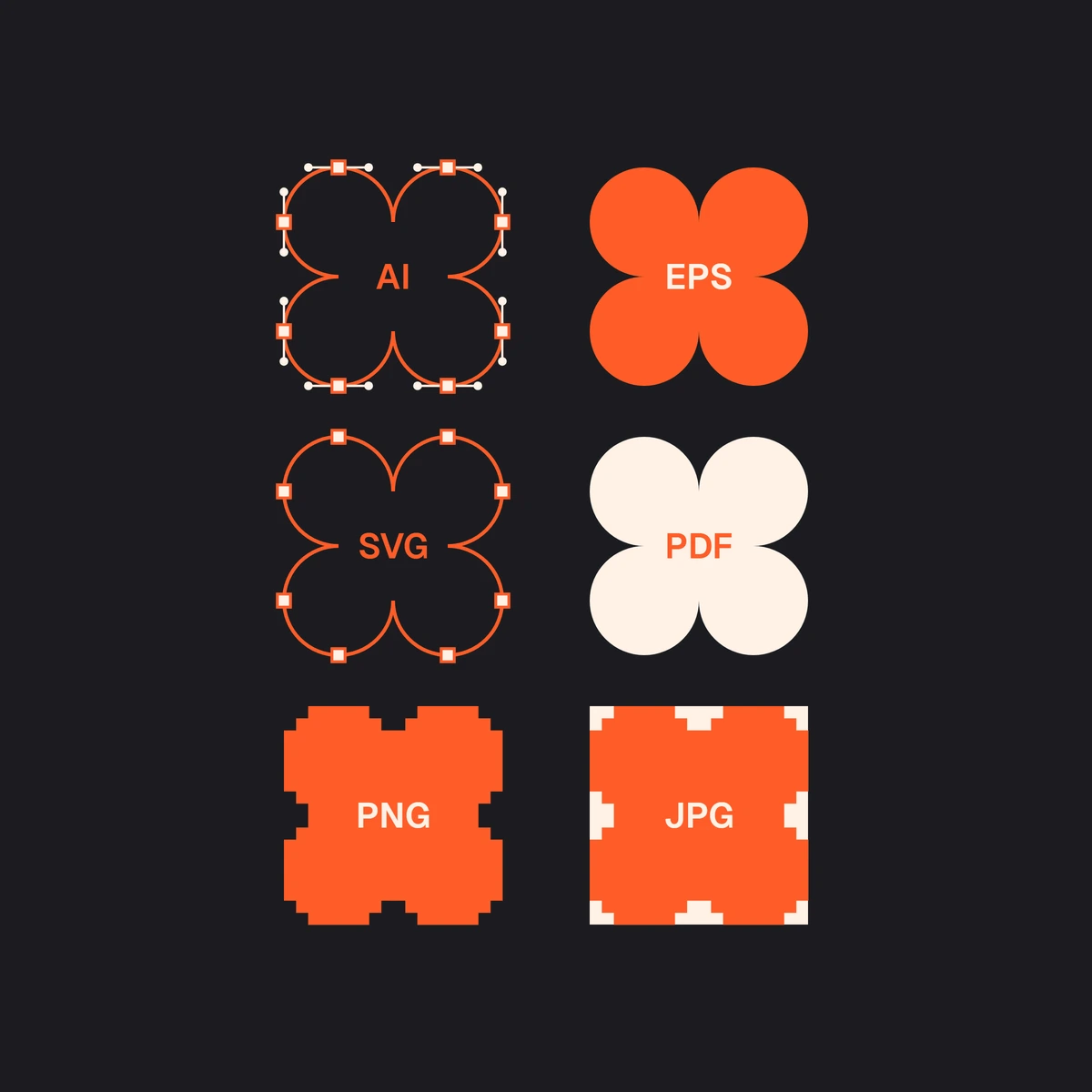
| SVG | Websites and apps |
| PNG | Slides, documents, social media and email, on a transparent background |
| JPG | Forms and older apps that don’t take transparency |
| Print shops, and sharing with anyone | |
| EPS | Signs, embroidery, vinyl and older software |
| AI | The client’s next designer |
PNG widths of 512, 1024 and 2048 px cover most jobs. For a favicon, add the mark at 16, 32 and 48 px, and simplify it if it fills in. Social networks often crop profile pictures to a circle, so centre the mark and leave room around it.
If the client prints often, agree CMYK values and spot colours with the printer, and keep those print files in a folder of their own. Figma doesn’t export AI or EPS, so see how to export logo files from Figma.
Folders and file names
Sort by version, then by format. A client looks for the mark first and the file type second.
Northwind
      Which file to use.pdf
      Northwind Brand guidelines.pdf
      Fonts.txt
      Mark
            SVG
            PNG
            JPG
            PDF
            EPS
            AI
      Full logo
            …
Name every file in the same order: brand, version, colour, size. Northwind-Mark-Black-1024px.png still makes sense after someone emails it on its own. Avoid “final”, dates and initials.
The page that says which file to use
Clients rarely know the difference between EPS and SVG, and they shouldn’t have to. One page answers it:
- Jobs, not formats. “Print shop: PDF” is easier to use than “PDF: print”.
- A few rules. Scale evenly, keep the colours, leave clear space.
- Smallest sizes. For screen and for print. Here’s how to set them.
- Brand colours. HEX, RGB and CMYK values they can copy.
Guidelines and fonts
Add the brand guidelines as a PDF. List the fonts with a link to each one. Don’t pass on font files unless the licence allows it.
Make the package in Figma
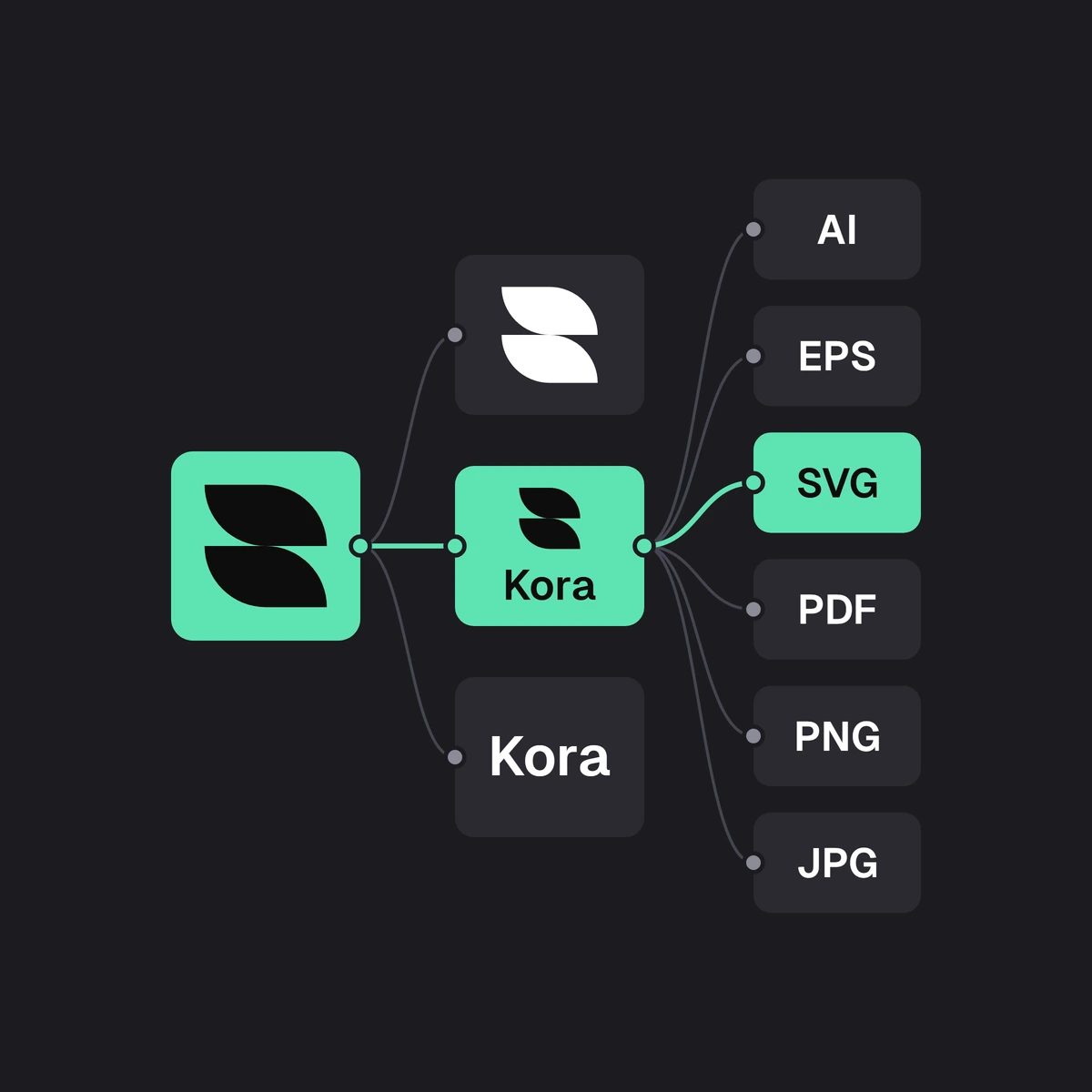
Add the logo versions to the Export tool in Brandfig, then pick colours, formats and PNG sizes. It saves one zip, with a folder for each version. The guidelines, font list and Which file to use PDF can go in the same zip.
Before you send it
- Open one file of each format.
- Place a PNG on a dark slide to check its background is transparent.
- Open an SVG in a browser and zoom in on the edges.
- Check that the type is outlined, so nothing asks for a font.
- Download the zip from your own link and open it the way the client will.
Questions, answered.
How many files should a logo package have?
As many as the brand needs. Three versions in four colours and six formats is already 72 files, before extra PNG sizes, so clear folders matter more than the count.
Should I send the client an AI file?
If your agreement includes it, yes. It gives their next designer a clean vector to work from.
Should I send the working Figma file?
Only if it’s part of the agreement. The logo package works without it.
Do clients need both RGB and CMYK files?
RGB for anything on screen. CMYK when they print often. Confirm the values with the printer and ask for a proof.
Can I include the fonts?
Only when the licence allows sharing. Otherwise, send the font names and where to get them.