What to include in brand guidelines: a checklist
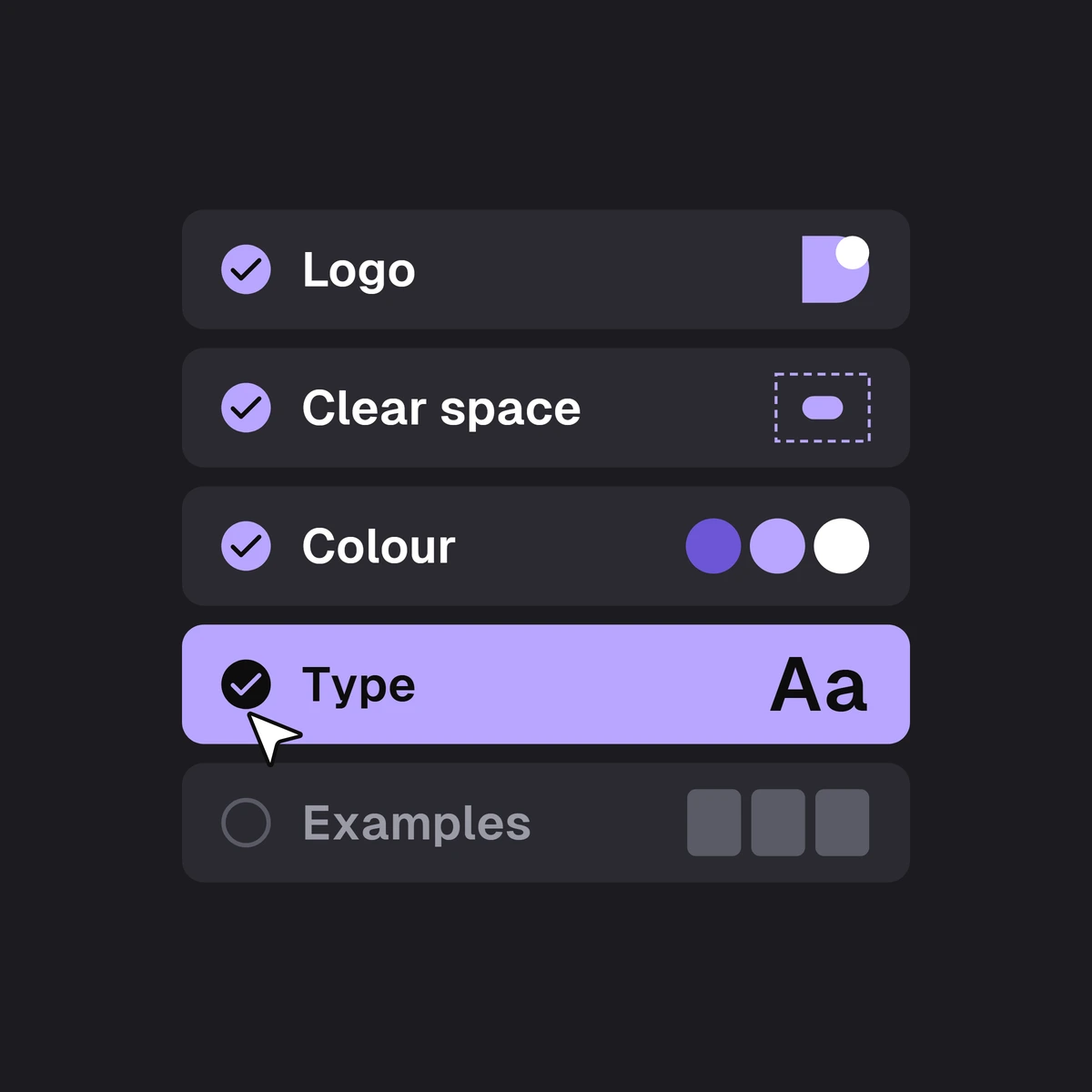
Cover the logo, colour and type, then show them working together. Add voice, photography and layouts when the brand has them.
A new marketing hire opens the file on their first day. They want to know which logo to use, which blue is right and which font goes in a headline. Good guidelines answer those in a minute, without a call to you.
The pages every brand needs
| Page | What it answers |
|---|---|
| Logo and versions | Which logo do I use here? |
| Clear space and minimum size | How close and how small can it go? |
| Logo on backgrounds | Which version works on this colour? |
| Logo misuse | What should I never do to it? |
| Colour palette | What are the exact values? |
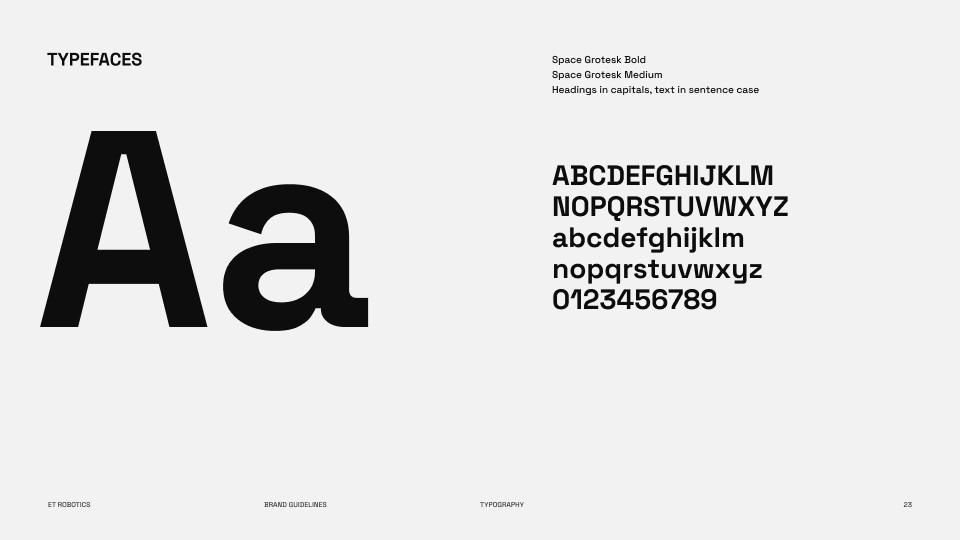
| Typefaces and hierarchy | Which font, weight and size? |
| Examples | What does it look like together? |
| Files and contact | Where are the files, and who do I ask? |
Logo
- Show each version large. Say when to use it in one line.
- Set the space. Give clear space and minimum sizes for screen and print.
- Show it on real backgrounds. White, dark and the brand’s colours.
- Keep misuse short. Six likely mistakes are more useful than twenty unlikely ones.
- Show construction if it explains something. Here’s how to draw a construction grid.
Colour
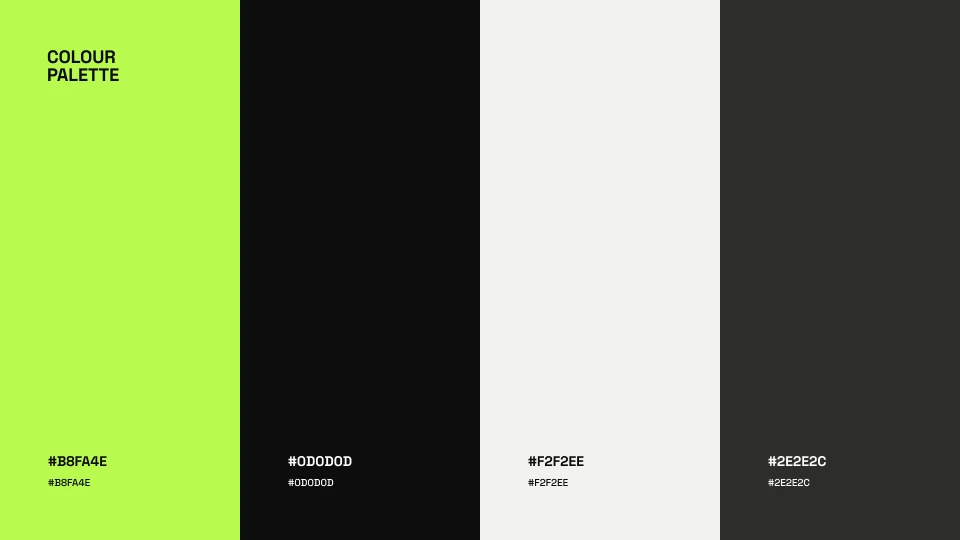
- Give every colour a role. Primary, secondary, accent, neutral.
- List the values. HEX, RGB and CMYK. Add a spot colour if the brand prints often.
- Show the amounts. A palette with one dominant colour looks different from one with five equal ones.
- Show text pairs that are easy to read. Check the contrast. WCAG AA asks for 4.5 to 1 for normal text and 3 to 1 for large text.
Type
- Name the fonts and weights. Say where to get them.
- Set roles. Headline, subhead, body and caption, with size and line height.
- Pick a fallback. For email and slides, where the brand font may not load.
Add these when the brand has them
- Purpose and values. Short, and in the client’s own words.
- Voice. A few traits, with a line written the right way and the wrong way.
- Photography. Subject, light and crop, with pictures to follow and to avoid.
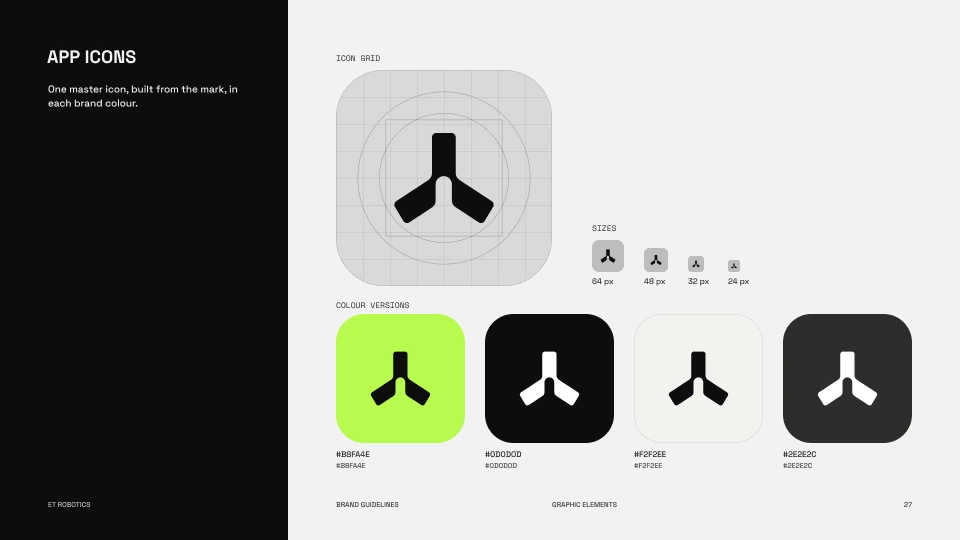
- Pattern, icons and shapes. How they’re made and where they go.
- Stationery, social, packaging, website. Only what the brand will really use.
- Motion. If the logo or the type moves.
How long should it be?
| Brand | Length | Cover |
|---|---|---|
| New or very small | One page | Logo, colours, type |
| Small business | 10 to 20 pages | The pages every brand needs |
| Growing team | 20 to 40 pages | Plus voice, imagery and layouts |
| Several teams or markets | 40 or more | Plus each channel and product |
These are starting points. Leave a page out when it has nothing useful to say.
Write rules people can follow
- Say what to do first. “Use the white logo on photos” is easier to follow than a list of bans.
- One idea per page. A short line and a clear picture.
- Give the reason when it isn’t obvious. People keep rules they understand.
- Add a date. So everyone knows which version they have.
Build them in Figma
The Guidelines tool in Brandfig has pages for the logo, colour, type, graphic elements, photography and applications, in twelve templates. Add your logos, colours and type, choose the pages, and build. There’s also a one-pager.
Everything is editable in Figma. Purpose, values and voice come with placeholder text to rewrite, and photo and mockup pages have empty areas for your own work. Save the result as a PDF, or put it in the client’s logo package.
Questions, answered.
What is the most important part of brand guidelines?
The logo, colour and type pages. They answer the questions people ask most often.
Does a small business need brand guidelines?
Yes, but a short set. One page with the logo, colours and type is enough to start.
What’s the difference between a brand book and brand guidelines?
People use the terms for the same thing. When there’s a difference, a brand book covers the story and values, and guidelines cover how to use the design.
Should brand guidelines be a PDF or a website?
A PDF is easy to send and keep. A website suits a large team that updates often. Many brands begin with a PDF.
How often should brand guidelines be updated?
Whenever the logo, colours or type change, or when people keep asking the same question.